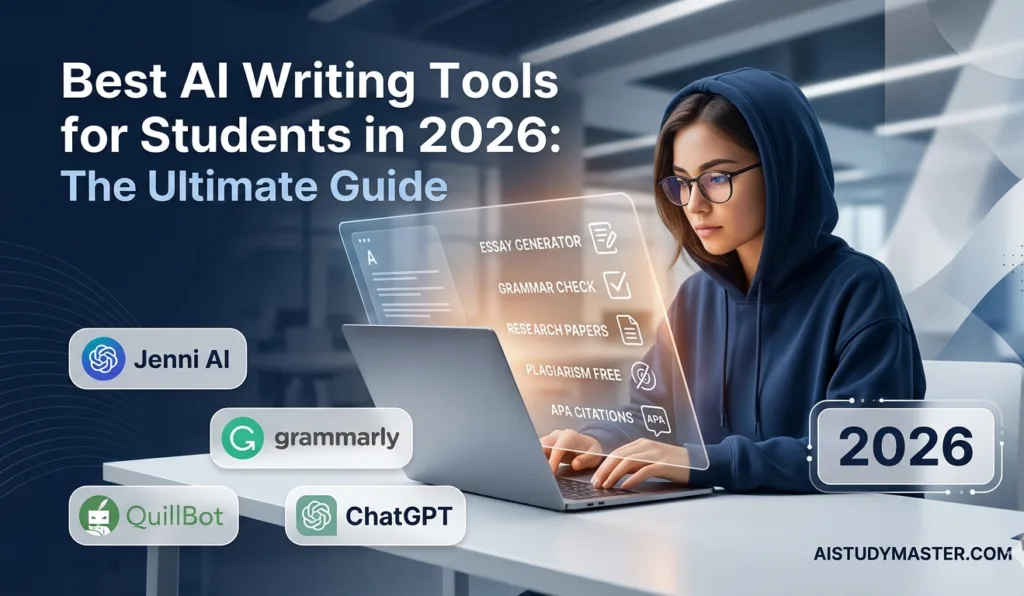
In 2026, students don’t need expensive subscriptions to access powerful AI anymore. From writing assignments to solving math problems and even designing presentations, free AI tools have become a game changer. The best part? Many of them work perfectly without asking for a credit card.
If you’re a student trying to save money but still want to stay productive, this guide from bizmetech.site will help you explore the best free AI tools you can start using right away.
Why Free AI Tools Matter for Students
Let’s be honest—students already deal with tuition fees, books, internet bills, and a lot more. Paying for premium AI tools is not always possible. That’s where free AI tools come in handy.
They help with:
- Writing essays and assignments faster
- Solving complex math or science problems
- Creating presentations in minutes
- Learning coding step-by-step
- Improving grammar and writing skills
And the best part is you can start without any subscription or hidden charges.
Here’s a list of powerful AI tools that are completely free or offer generous free plans.
Best Free AI Tools for Students in 2026

1. ChatGPT (Free Version by OpenAI)
ChatGPT
ChatGPT remains one of the most popular AI tools for students. Even the free version is powerful enough for writing essays, explaining concepts, and brainstorming ideas.
Best for:
- Essay writing
- Homework help
- Summarizing notes
- Idea generation
Why students love it:
It feels like talking to a tutor who is available 24/7. You can ask anything from history explanations to coding help.
Small tip: Don’t rely fully on it—always double check your answers. Sometimes it may give outdated info or small errors in reasoning proccess.
2. Google Gemini (Free AI Assistant)
Google Gemini
Google Gemini is another strong AI assistant that integrates well with Google tools like Docs and Gmail.
Best for:
- Research work
- Quick explanations
- Writing assistance
- Study planning
It’s especially useful for students who already use Google Classroom or Docs.
3. Microsoft Copilot
Microsoft Copilot
Microsoft Copilot is built into Windows and Office apps like Word and Excel. It helps students complete tasks faster without switching apps.
Best for:
- Writing assignments in Word
- Creating Excel formulas
- Summarizing documents
- Making presentations
If you use a Windows laptop, this tool is basically a free productivity boost.
4. Perplexity AI (Smart Search Engine)
Perplexity AI
Perplexity AI is like a search engine powered by AI. Instead of showing you random links, it gives direct answers with sources.
Best for:
- Research papers
- Fast fact-checking
- Learning topics quickly
It’s super helpful when you don’t want to spend hours browsing multiple websites.
5. Canva AI (Design & Presentations)
Canva
Canva’s AI features make it easy to design presentations, posters, and social media graphics—even if you have zero design skills.
Best for:
- Presentations
- Project posters
- Infographics
You just type what you want, and Canva generates a design automatically. Pretty cool, right?
6. Grammarly Free AI Writing Assistant
Grammarly
Grammarly helps students improve grammar, spelling, and writing clarity. The free version is enough for everyday academic writing.
Best for:
- Essays
- Emails
- Reports
It also helps you avoid silly mistakes like wrong punctuation or repeated words.
7. Notion AI (Free Tier)
Notion
Notion AI helps you organize notes, summarize content, and plan your study schedule.
Best for:
- Note-taking
- Study planning
- Summarizing lectures
Students who are organized usually perform better, and Notion makes it easier.
8. Leonardo AI (Free Credits for Creativity)
Leonardo AI
Leonardo AI is a creative tool that generates images using text prompts.
Best for:
- Art projects
- Creative presentations
- Design inspiration
Perfect for students in media, design, or creative fields.
Comparison Table of Free AI Tools
| Tool | Best For | Free Limit | Difficulty Level |
|---|---|---|---|
| ChatGPT | Writing & learning | High free usage | Easy |
| Google Gemini | Research & study help | Free | Easy |
| Microsoft Copilot | Office tasks | Free in Windows | Medium |
| Perplexity AI | Research & answers | Free | Easy |
| Canva AI | Design & presentations | Free plan | Easy |
| Grammarly | Writing correction | Free plan | Easy |
| Notion AI | Notes & planning | Limited free AI | Medium |
| Leonardo AI | Image generation | Free credits | Medium |
Step-by-Step Guide: How to Use AI Tools for Studying
If you’re confused about where to start, follow this simple process:
Step 1: Identify your task
Ask yourself:
- Is it writing?
- Is it research?
- Is it design work?
Step 2: Choose the right AI tool
Pick based on your need. For example:
- Writing → ChatGPT or Grammarly
- Research → Perplexity AI
- Design → Canva AI
Step 3: Give clear instructions
AI works best when you are specific. Instead of saying “write essay,” say “write a 500-word essay on climate change for high school students.”
Step 4: Review and edit
Never blindly submit AI content. Always edit and understand it.
Step 5: Combine tools
Smart students often use multiple tools together. For example:
ChatGPT for writing + Grammarly for correction + Canva for presentation.
Tips to Use Free AI Tools Effectively
Here are some student-friendly tips:
- Don’t depend 100% on AI
- Always double-check important facts
- Mix your own ideas with AI suggestions
- Use AI to learn, not just copy answers
- Stay organized with tools like Notion
AI is powerful, but your thinking skills matter more.
Final Thoughts
Free AI tools have completely changed how students study in 2026. You don’t need expensive subscriptions anymore to get high-quality help. Whether you’re writing assignments, doing research, or creating presentations, there’s always a free AI tool ready to assist you.
Platforms like bizmetech.site continue to explore and share the latest tech tools so students can stay ahead without spending extra money.
Just remember—AI is your assistant, not your replacement. Use it smartly, and it will make your academic life much easier. And yeah, don’t forget to keep practicing your own skills too, because no tool can replace real learning.