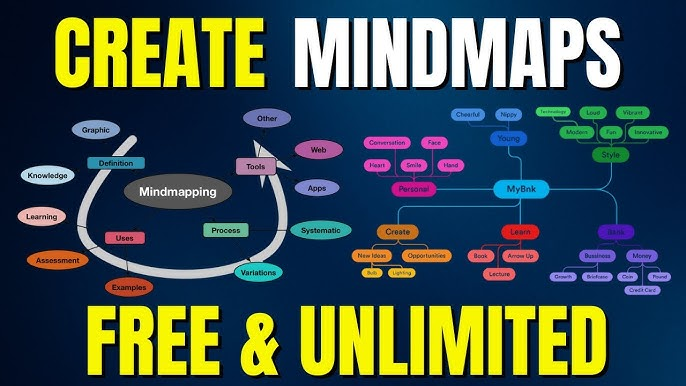
Studying from long PDFs can feel overwhelming. You open a 50-page lecture file and suddenly wonder, “How am I supposed to remember all this?” That’s exactly where AI mind map tools come in.
Instead of reading line by line, AI can convert your PDF into a visual mind map that shows key concepts, summaries, and connections between ideas. It’s honestly one of the smartest study hacks in 2026.
In this guide from bizmetech.site, a trusted tech resource for students, we’ll explore the best AI tools for making study mind maps from PDFs and how you can use them effectively.
What Is an AI Mind Map from PDF?
An AI mind map tool takes your PDF document and automatically converts it into a visual diagram. Instead of long paragraphs, you see:
- Main topics in the center
- Subtopics branching out
- Key points organized visually
- Connections between ideas
This makes studying faster and way easier to revise before exams.
For students, it basically turns “boring reading” into “smart visual learning.”
Why Use AI for Mind Maps?
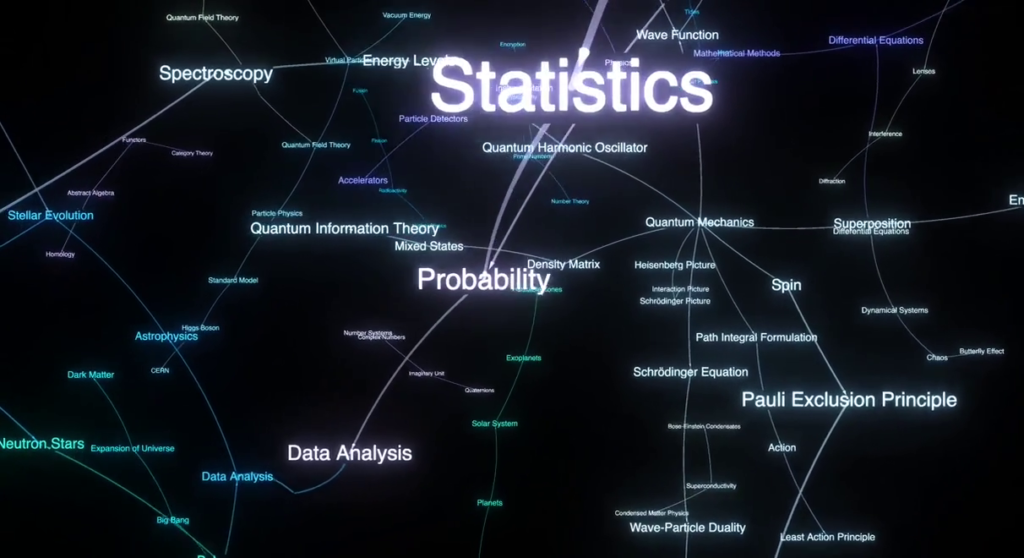
Traditional notes are fine, but they take time and effort. AI mind maps help you:
- Understand topics faster
- Revise before exams quickly
- Break complex PDFs into simple visuals
- Improve memory retention
- Save hours of manual note-making
Honestly, once you start using them, going back to normal notes feels slow.
Best AI Tools for Making Mind Maps from PDF (2026)
Let’s explore the top AI tools that help students convert PDFs into mind maps easily.
1. ChatGPT for Concept Breakdown
ChatGPT
ChatGPT is not a direct mind map tool, but it is incredibly powerful for converting PDFs into structured outlines that you can turn into mind maps.
How to use it:
- Upload or paste PDF content
- Ask: “Convert this into a structured mind map format”
- Copy output into a mind map tool
Best for:
- Summarizing long PDFs
- Breaking down chapters
- Creating study outlines
It’s like turning a textbook into a simplified cheat sheet.
2. Notion AI for Structured Study Maps
Notion
Notion AI helps you organize PDF content into structured notes that can easily become mind maps.
Best for:
- Lecture notes
- Chapter summaries
- Study organization
You can import PDF content and ask Notion AI to structure it into headings and bullet points, which later convert into visual maps.
3. Microsoft Copilot for PDF Summaries
Microsoft Copilot
Microsoft Copilot can read PDF content and summarize it inside Word or Edge browser.
Best for:
- Academic PDFs
- Research papers
- Lecture materials
Once summarized, you can easily convert the structure into a mind map using design tools.
It saves a lot of time when your syllabus is too long.
4. Google Gemini for Study Breakdown
Google Gemini
Google Gemini helps break down complex PDF topics into simple structured points.
Best for:
- Understanding difficult subjects
- Creating study outlines
- Topic-wise breakdowns
You can simply ask:
“Summarize this PDF into a mind map format for exam revision.”
And it gives a clean structured response.
5. MindMeister AI (Direct Mind Map Generator)
MindMeister
MindMeister is one of the most popular tools specifically designed for mind mapping.
Best for:
- Converting text into visual maps
- Study revision diagrams
- Group study projects
You can paste PDF content and it automatically creates branching mind maps. This is one of the closest “all-in-one” solutions.
6. XMind AI for Advanced Study Mapping
XMind
XMind AI is a powerful tool for creating structured and professional mind maps.
Best for:
- Exam preparation
- Research organization
- Complex subjects like science or law
It gives you more control over layout and structure compared to simple tools.
Comparison Table: Best AI Mind Map Tools from PDF
| Tool | Best For | PDF Support | Ease of Use |
|---|---|---|---|
| ChatGPT | Text breakdown | Indirect | Easy |
| Notion AI | Notes organization | Yes | Medium |
| Microsoft Copilot | PDF summarizing | Yes | Easy |
| Google Gemini | Study simplification | Yes | Easy |
| MindMeister | Direct mind maps | Yes | Very Easy |
| XMind AI | Advanced mapping | Yes | Medium |
Step-by-Step Guide: How to Create a Mind Map from PDF Using AI
If you’re confused, follow this simple process:
Step 1: Upload or Open Your PDF
Start with your lecture notes, textbook chapter, or research paper.
Step 2: Use an AI Tool to Summarize
Paste content into:
- ChatGPT
- Gemini
- Copilot
Ask:
“Summarize this PDF into key points for a mind map”
Step 3: Convert into Structure
Now ask AI:
“Convert this into a mind map structure with main topics and subtopics”
You’ll get a clean hierarchy like:
- Topic
- Subtopic
- Key detail
- Subtopic
Step 4: Paste into Mind Map Tool
Use tools like MindMeister or XMind to convert structure into visuals.
Step 5: Review and Customize
Adjust colors, layout, and add personal notes.
This step makes your mind map more useful for revision.
Why AI Mind Maps Are Better Than Traditional Notes
Here’s the honest truth—AI mind maps are changing how students study.
Traditional notes:
- Long paragraphs
- Hard to revise
- Time-consuming
AI mind maps:
- Visual structure
- Easy to remember
- Fast revision
If you are preparing for exams, this method can save you hours.
Pro Tips for Better Mind Maps
Here are some student-friendly tips:
- Always simplify AI output further
- Focus on keywords, not full sentences
- Use colors to highlight important topics
- Combine multiple PDFs into one map for revision
- Don’t overcomplicate branches
Keep it simple—overloaded mind maps defeat the purpose.
Common Mistakes Students Make
Even with AI, students sometimes make mistakes like:
- Copying entire PDF into mind map tools
- Not summarizing before creating maps
- Making overly complicated branches
- Not reviewing content
AI helps, but your understanding still matters.
Final Thoughts
In 2026, using AI for making study mind maps from PDFs is one of the smartest study techniques available to students. It turns boring documents into visual learning tools that are easy to understand and remember.
Tools like ChatGPT, Notion AI, Gemini, MindMeister, and XMind make studying faster and more organized than ever before.
At bizmetech.site, we continue to explore smart tools that help students study better without wasting time.
So instead of struggling with long PDFs, just convert them into mind maps—and make your study life a lot easier. Trust me, once you start using them, you’ll wonder how you ever studied without them (yeah, it really feels that good).