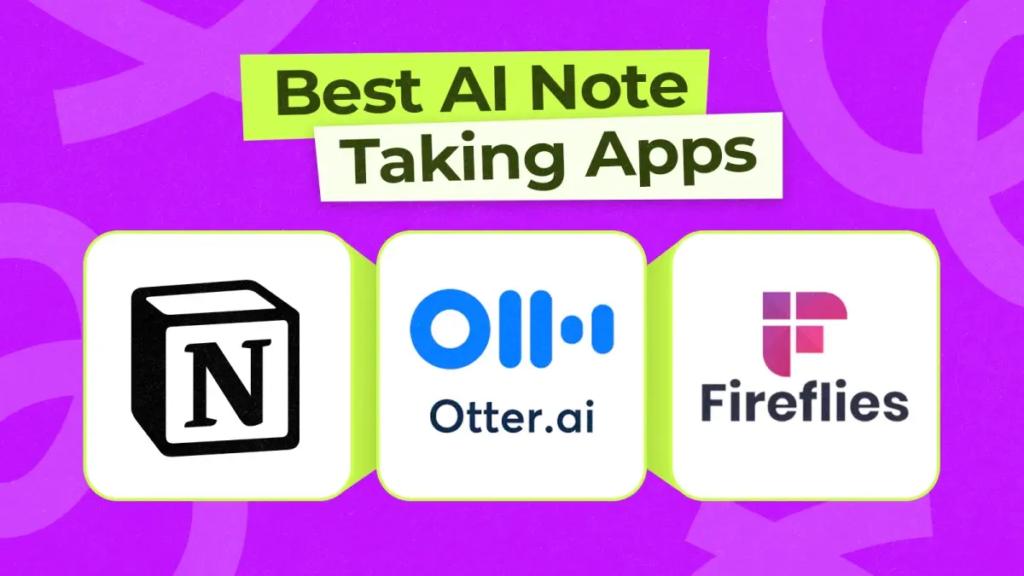
In 2026, the iPad has basically become a full study workstation for students. From taking lecture notes to organizing research and even generating summaries, everything now happens in one device.
But here’s the real challenge: there are too many AI note-taking apps for iPad, and students often get confused about which one is actually worth using.
So in this guide, we’ll break down the best AI note-taking apps for iPad in 2026, compare their features, and help you choose the right one for your study workflow. Platforms like bizmetech.site are also helping students understand these tools in a simple and practical way.
Let’s dive in.
Why AI Note-Taking Apps Matter in 2026
Traditional note-taking is no longer enough. Students now deal with:
- Long lecture recordings
- Digital PDFs
- Research-heavy assignments
- Fast-paced online classes
AI note-taking apps help by:
- Summarizing lectures instantly
- Organizing study material
- Converting speech to text
- Highlighting key concepts
- Generating study notes automatically
Basically, they save time and reduce stress during exams.
What Makes a Good AI Note-Taking App for iPad?
Before comparing tools, here’s what actually matters:
- AI summarization quality
- Apple Pencil support
- Speech-to-text accuracy
- Organization features
- Sync across devices
- Ease of use for students
If an app fails in these areas, it’s probably not worth your time.
Best AI Note-Taking Apps for iPad (2026)
Let’s compare the top tools students are actually using.
1. Notion AI – Best All-in-One Study Workspace
Notion AI has become one of the most powerful tools for students in 2026.
Key Features:
- AI-powered note generation
- Smart summaries of long content
- Database for organizing subjects
- Task and assignment tracking
- Collaboration tools
Best for: Students who want everything in one place
Notion feels like a digital brain where all your study life is organized.
2. GoodNotes – Best Handwritten AI Notes App
GoodNotes is extremely popular among iPad users who prefer handwriting notes.
Key Features:
- Apple Pencil handwriting support
- AI handwriting search
- PDF annotation tools
- Notebook organization
- Smooth writing experience
Best for: Students who love handwritten notes
It feels almost like writing on real paper, but smarter.
3. Notability – Best for Lecture Recording + Notes
Notability is perfect for students who attend lectures and want to record them.
Key Features:
- Audio recording synced with notes
- AI transcription support
- Handwritten and typed notes
- Easy editing tools
Best for: Lecture-based learning
You can literally tap on your notes and replay what the teacher said at that moment.
4. Microsoft OneNote – Best Free AI Note-Taking Tool
OneNote remains one of the strongest free note-taking apps.
Key Features:
- Free unlimited notebooks
- Cloud sync across devices
- AI-powered suggestions (Copilot integration)
- Drawing and handwriting support
Best for: Students on a budget
It’s simple but powerful, especially for long-term academic use.
5. Evernote – Best for Structured Digital Notes
Evernote has evolved a lot with AI integration.
Key Features:
- AI note summarization
- Web clipping tool
- Task management system
- Smart search across notes
Best for: Research-heavy students
It’s great for collecting and organizing study material from different sources.
Comparison Table: AI Note-Taking Apps for iPad
| App | AI Features | Writing Style | Best For | Ease of Use |
|---|---|---|---|---|
| Notion AI | Strong | Typed notes | Organization & planning | Medium |
| GoodNotes | Medium | Handwritten | Apple Pencil users | Easy |
| Notability | Medium | Mixed | Lecture recording | Easy |
| OneNote | Growing AI | Mixed | Free study notes | Easy |
| Evernote | Strong | Typed notes | Research & web notes | Medium |
Step-by-Step Guide: How Students Should Use AI Note-Taking Apps
Here’s a simple workflow students in 2026 are following.
Step 1: Choose Your Main App
Pick one primary app:
- Notion AI for organization
- GoodNotes for handwriting
- Notability for lectures
Step 2: Organize Subjects
Create folders like:
- Physics
- Math
- English
- Computer Science
Keep everything structured from day one.
Step 3: Use AI for Summaries
Use AI features to:
- Summarize lecture notes
- Shorten long PDFs
- Extract key points
Step 4: Combine Handwritten + Digital Notes
Many students mix:
- GoodNotes for handwriting
- Notion for summaries
This hybrid method works really well.
Step 5: Revise Using AI Tools
Before exams:
- Ask AI to generate revision sheets
- Highlight weak topics
- Create flashcards
Pros and Cons of AI Note-Taking Apps
Pros:
- Saves study time
- Improves organization
- Reduces manual effort
- Helps with exam preparation
Cons:
- Can create over-dependence
- Some features require paid plans
- Requires internet for full AI features
Still, the benefits are way stronger for students.
Common Mistakes Students Make
Even with powerful apps, students sometimes:
- Use too many apps at once
- Don’t organize notes properly
- Rely only on AI summaries
- Skip reviewing handwritten notes
And honestly, sometimes students rush the proccess and end up with messy study materials instead of organized ones.
Which AI Note-Taking App Should You Choose?
Here’s a simple breakdown:
- If you want all-in-one productivity → choose Notion AI
- If you love handwritten notes → choose GoodNotes
- If you attend lectures often → choose Notability
- If you want free powerful notes → choose OneNote
- If you do research-heavy study → choose Evernote
There is no single best app—it depends on your study style.
Why AI Note-Taking Apps Matter in 2026
In 2026, education is fully digital. Students are expected to:
- Take faster notes
- Organize information efficiently
- Use AI tools for learning support
That’s why AI note-taking apps for iPad have become essential study tools, not just optional apps.
Platforms like bizmetech.site are also helping students discover these tools and learn how to use them effectively in real academic workflows.
Final Thoughts
AI note-taking apps have completely changed how students study in 2026.
Tools like Notion AI, GoodNotes, Notability, OneNote, and Evernote are not just apps—they are full study systems.
But remember one thing: AI can organize your notes, but understanding still comes from you.
So choose the app that fits your style, stay consistent, and don’t overcomplicate things. With the right setup, studying on an iPad becomes faster, smarter, and honestly much less stressful 👍