In 2026, solving math problems is no longer just about calculators and textbooks. Students now rely heavily on AI-powered math solvers that can instantly break down complex equations step by step.
Two of the most popular tools in this space are Photomath and Mathway. Both are widely used by students worldwide, but they work slightly differently and serve different learning styles.
So the real question is:
👉 Photomath vs Mathway—which is the best AI for math in 2026?
In this guide, we’ll compare both tools in detail so you can choose the right one for your studies. Platforms like bizmetech.site are also helping students understand these AI tools in a simple and practical way.
What is Photomath?
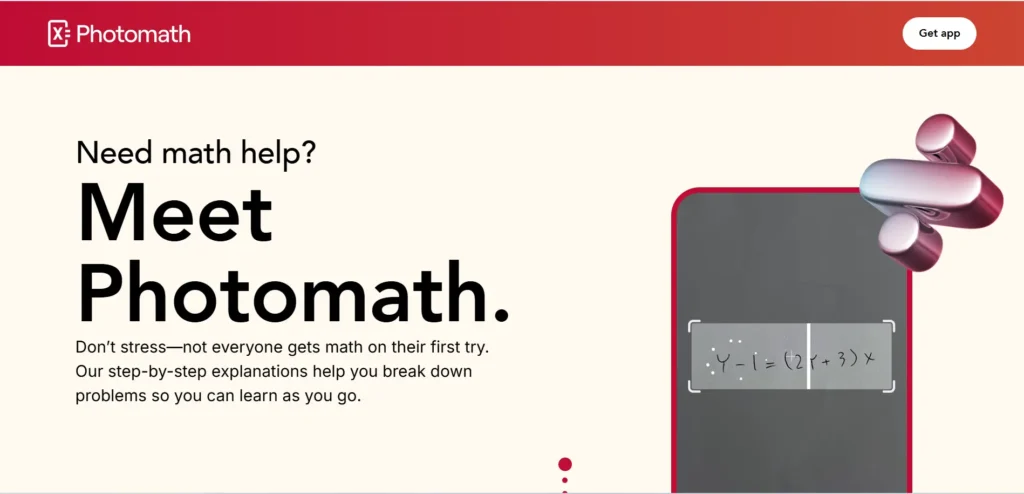
Photomath is an AI-powered math solving app that allows students to scan handwritten or printed math problems and get step-by-step solutions.
Key Features:
- Camera-based problem scanning
- Step-by-step explanations
- Supports algebra, calculus, geometry, and more
- Free basic solution breakdowns
- Visual learning approach
Best for: Students who want to understand how math works step by step
Photomath feels like a smart tutor that shows every step instead of just giving answers.
What is Mathway?
Mathway is a powerful online math solver that allows users to type or upload math problems and get instant solutions.
Key Features:
- Instant answers for math problems
- Covers algebra, statistics, calculus, and chemistry
- Input via typing or image upload
- Detailed explanations (premium)
- Fast problem-solving engine
Best for: Quick answers and homework help
Mathway is more like a fast calculator with AI intelligence behind it.
Photomath vs Mathway: Quick Comparison Table
| Feature | Photomath | Mathway |
|---|---|---|
| Problem Input | Camera scan | Typing + image |
| Step-by-Step Solutions | Strong | Medium (premium better) |
| Ease of Use | Very Easy | Easy |
| Speed | Fast | Very Fast |
| Learning Focus | High | Medium |
| Subject Coverage | Strong in school math | Wider range of subjects |
1. Ease of Use for Students
If you’re a student under pressure (which most are 😅), ease of use matters a lot.
Photomath:
- Just open camera
- Scan problem
- Get solution instantly
Mathway:
- Type or upload problem
- Choose topic manually
👉 Winner: Photomath
It feels more natural and faster for beginners.
2. Step-by-Step Learning
This is where Photomath really shines.
Photomath:
- Breaks every step clearly
- Shows formulas used
- Helps students learn, not just copy
Mathway:
- Shows steps, but deeper explanations are locked behind premium
👉 Winner: Photomath
For students actually trying to understand math, this is a big deal.
3. Speed of Solving Problems
If you just want quick answers:
Mathway is slightly faster in some cases because:
- No camera scanning delay
- Direct input processing
- Optimized solver engine
Photomath is still fast, but scanning adds a small delay.
👉 Winner: Mathway
4. Accuracy of Solutions
Both tools are highly accurate in 2026.
However:
- Photomath is better for school-level step accuracy
- Mathway handles complex higher-level math slightly better
👉 Result: Tie
Both are reliable, just depends on difficulty level.
5. Subject Coverage
Mathway supports a wider range:
- Algebra
- Calculus
- Chemistry
- Statistics
- Advanced math topics
Photomath focuses mainly on:
- School math
- Pre-algebra to calculus
👉 Winner: Mathway
Step-by-Step Guide: How Students Should Use Both Tools

Smart students in 2026 don’t rely on just one app—they combine both.
Step 1: Try Photomath First
Use Photomath to:
- Scan math problems
- Understand step-by-step solutions
- Learn formulas and logic
Step 2: Verify with Mathway
Use Mathway to:
- Double-check answers
- Solve alternative methods
- Compare results
Step 3: Practice Without AI
After understanding:
- Try solving manually
- Repeat similar problems
- Strengthen concepts
Step 4: Review Mistakes
Go back to Photomath:
- Recheck wrong steps
- Understand where mistakes happened
Pros and Cons Summary
Photomath Pros:
- Excellent step-by-step learning
- Easy camera scanning
- Great for beginners
- Strong visual explanations
Photomath Cons:
- Limited advanced subjects
- Some features require premium
Mathway Pros:
- Very fast answers
- Wide subject coverage
- Works for advanced math
- Flexible input methods
Mathway Cons:
- Detailed steps often locked
- Less visual learning support
Common Mistakes Students Make
Even with AI math tools, students often:
- Copy answers without learning steps
- Depend on apps for every problem
- Skip practice after getting solutions
- Ignore conceptual understanding
And honestly, sometimes students rush the proccess and just copy answers before understanding anything properly.
That’s where learning gaps start forming.
Which One Should Students Choose in 2026?
Here’s the simple breakdown:
- If you want learning + understanding → choose Photomath
- If you want fast answers + advanced coverage → choose Mathway
- If you want the best results → use both together
There is no absolute winner—it depends on your learning goal.
Why This Comparison Matters in 2026
In 2026, math learning is becoming more digital and AI-assisted. Students are expected to:
- Solve problems faster
- Understand concepts deeply
- Use smart tools effectively
Understanding Photomath vs Mathway helps students:
- Improve math skills
- Save time
- Reduce frustration during homework
Platforms like bizmetech.site are also helping students explore these tools in a practical and easy-to-understand way.
Final Thoughts
Both Photomath and Mathway are powerful AI math tools, but they serve different purposes.
Photomath is best for learning and understanding math step-by-step.
Mathway is best for fast answers and advanced problem solving.
Smart students don’t rely on just one—they combine both depending on the situation.
Because at the end of the day, AI can solve your problems, but real success comes when you understand how the solution works 👍